
178 lines
7.2 KiB
Markdown
178 lines
7.2 KiB
Markdown
# A File Explorer For Neovim Written In Lua
|
|
|
|
## Notice
|
|
|
|
This plugin doesn't support windows yet. \
|
|
This plugin requires [neovim nightly](https://github.com/neovim/neovim/wiki/Installing-Neovim).
|
|
|
|
## Install
|
|
|
|
Install with [vim-plug](https://github.com/junegunn/vim-plug):
|
|
|
|
```vim
|
|
" requires
|
|
Plug 'kyazdani42/nvim-web-devicons' " for file icons
|
|
Plug 'kyazdani42/nvim-tree.lua'
|
|
```
|
|
|
|
## Setup
|
|
|
|
```vim
|
|
let g:nvim_tree_side = 'right' | 'left' "left by default
|
|
let g:nvim_tree_width = 40 "30 by default
|
|
let g:nvim_tree_ignore = [ '.git', 'node_modules', '.cache' ] "empty by default
|
|
let g:nvim_tree_auto_open = 1 "0 by default, opens the tree when typing `vim $DIR` or `vim`
|
|
let g:nvim_tree_auto_close = 1 "0 by default, closes the tree when it's the last window
|
|
let g:nvim_tree_auto_ignore_ft = {'startify', 'dashboard'} "empty by default, don't auto open tree on specific filetypes.
|
|
let g:nvim_tree_quit_on_open = 1 "0 by default, closes the tree when you open a file
|
|
let g:nvim_tree_follow = 1 "0 by default, this option allows the cursor to be updated when entering a buffer
|
|
let g:nvim_tree_indent_markers = 1 "0 by default, this option shows indent markers when folders are open
|
|
let g:nvim_tree_hide_dotfiles = 1 "0 by default, this option hides files and folders starting with a dot `.`
|
|
let g:nvim_tree_git_hl = 1 "0 by default, will enable file highlight for git attributes (can be used without the icons).
|
|
let g:nvim_tree_root_folder_modifier = ':~' "This is the default. See :help filename-modifiers for more options
|
|
let g:nvim_tree_tab_open = 1 "0 by default, will open the tree when entering a new tab and the tree was previously open
|
|
let g:nvim_tree_width_allow_resize = 1 "0 by default, will not resize the tree when opening a file
|
|
let g:nvim_tree_disable_netrw = 0 "1 by default, disables netrw
|
|
let g:nvim_tree_hijack_netrw = 0 "1 by default, prevents netrw from automatically opening when opening directories (but lets you keep its other utilities)
|
|
let g:nvim_tree_show_icons = {
|
|
\ 'git': 1,
|
|
\ 'folders': 0,
|
|
\ 'files': 0,
|
|
\ }
|
|
"If 0, do not show the icons for one of 'git' 'folder' and 'files'
|
|
"1 by default, notice that if 'files' is 1, it will only display
|
|
"if nvim-web-devicons is installed and on your runtimepath
|
|
|
|
" default will show icon by default if no icon is provided
|
|
" default shows no icon by default
|
|
let g:nvim_tree_icons = {
|
|
\ 'default': '',
|
|
\ 'symlink': '',
|
|
\ 'git': {
|
|
\ 'unstaged': "✗",
|
|
\ 'staged': "✓",
|
|
\ 'unmerged': "",
|
|
\ 'renamed': "➜",
|
|
\ 'untracked': "★"
|
|
\ },
|
|
\ 'folder': {
|
|
\ 'default': "",
|
|
\ 'open': "",
|
|
\ 'empty': "",
|
|
\ 'empty_open': "",
|
|
\ 'symlink': "",
|
|
\ }
|
|
\ }
|
|
|
|
nnoremap <C-n> :NvimTreeToggle<CR>
|
|
nnoremap <leader>r :NvimTreeRefresh<CR>
|
|
nnoremap <leader>n :NvimTreeFindFile<CR>
|
|
" NvimTreeOpen and NvimTreeClose are also available if you need them
|
|
|
|
set termguicolors " this variable must be enabled for colors to be applied properly
|
|
|
|
" a list of groups can be found at `:help nvim_tree_highlight`
|
|
highlight NvimTreeFolderIcon guibg=blue
|
|
```
|
|
|
|
## KeyBindings
|
|
|
|
### Default actions
|
|
|
|
- move around like in any vim buffer
|
|
- `<CR>` or `o` on `..` will cd in the above directory
|
|
- `<C-]>` will cd in the directory under the cursor
|
|
- `<BS>` will close current opened directory or parent
|
|
- type `a` to add a file. Adding a directory requires leaving a leading `/` at the end of the path.
|
|
> you can add multiple directories by doing foo/bar/baz/f and it will add foo bar and baz directories and f as a file
|
|
- type `r` to rename a file
|
|
- type `<C-r>` to rename a file and omit the filename on input
|
|
- type `x` to add/remove file/directory to cut clipboard
|
|
- type `c` to add/remove file/directory to copy clipboard
|
|
- type `p` to paste from clipboard. Cut clipboard has precedence over copy (will prompt for confirmation)
|
|
- type `d` to delete a file (will prompt for confirmation)
|
|
- type `]c` to go to next git item
|
|
- type `[c` to go to prev git item
|
|
- type '-' to naviate up to the parent directory of the current file/directory
|
|
- if the file is a directory, `<CR>` will open the directory otherwise it will open the file in the buffer near the tree
|
|
- if the file is a symlink, `<CR>` will follow the symlink (if the target is a file)
|
|
- `<C-v>` will open the file in a vertical split
|
|
- `<C-x>` will open the file in a horizontal split
|
|
- `<C-t>` will open the file in a new tab
|
|
- `<Tab>` will open the file as a preview (keeps the cursor in the tree)
|
|
- `I` will toggle visibility of folders hidden via |g:nvim_tree_ignore|
|
|
- `H` will toggle visibility of dotfiles (files/folders starting with a `.`)
|
|
- `R` will refresh the tree
|
|
- Double left click acts like `<CR>`
|
|
- Double right click acts like `<C-]>`
|
|
|
|
### Setup
|
|
|
|
You can disable default mappings with
|
|
```vim
|
|
" let nvim_tree_disable_keybindings=1
|
|
```
|
|
But you won't be able to map any keys from the setup with nvim_tree_bindings. Use with caution.
|
|
|
|
|
|
Default keybindings can be overriden. You can also define your own keymappings for the tree view:
|
|
```vim
|
|
lua <<EOF
|
|
local tree_cb = require'nvim-tree.config'.nvim_tree_callback
|
|
vim.g.nvim_tree_bindings = {
|
|
["<CR>"] = ":YourVimFunction()<cr>",
|
|
["u"] = ":lua require'some_module'.some_function()<cr>",
|
|
|
|
-- default mappings
|
|
["<CR>"] = tree_cb("edit"),
|
|
["o"] = tree_cb("edit"),
|
|
["<2-LeftMouse>"] = tree_cb("edit"),
|
|
["<2-RightMouse>"] = tree_cb("cd"),
|
|
["<C-]>"] = tree_cb("cd"),
|
|
["<C-v>"] = tree_cb("vsplit"),
|
|
["<C-x>"] = tree_cb("split"),
|
|
["<C-t>"] = tree_cb("tabnew"),
|
|
["<BS>"] = tree_cb("close_node"),
|
|
["<S-CR>"] = tree_cb("close_node"),
|
|
["<Tab>"] = tree_cb("preview"),
|
|
["I"] = tree_cb("toggle_ignored"),
|
|
["H"] = tree_cb("toggle_dotfiles"),
|
|
["R"] = tree_cb("refresh"),
|
|
["a"] = tree_cb("create"),
|
|
["d"] = tree_cb("remove"),
|
|
["r"] = tree_cb("rename"),
|
|
["<C-r>"] = tree_cb("full_rename"),
|
|
["x"] = tree_cb("cut"),
|
|
["c"] = tree_cb("copy"),
|
|
["p"] = tree_cb("paste"),
|
|
["[c"] = tree_cb("prev_git_item"),
|
|
["]c"] = tree_cb("next_git_item"),
|
|
["-"] = tree_cb("dir_up"),
|
|
["q"] = tree_cb("close"),
|
|
}
|
|
EOF
|
|
```
|
|
All mappings are set in `normal mode`.
|
|
|
|
## Note
|
|
|
|
This plugin is very fast because it uses the `libuv` `scandir` and `scandir_next` functions instead of spawning an `ls` process which can get slow on large files when combining with `stat` to get file informations.
|
|
|
|
## Features
|
|
|
|
- Open file in current buffer or in split with FzF like bindings (`<CR>`, `<C-v>`, `<C-x>`, `<C-t>`)
|
|
- File icons with nvim-web-devicons
|
|
- Syntax highlighting ([exa](https://github.com/ogham/exa) like)
|
|
- Change directory with `.`
|
|
- Add / Rename / delete files
|
|
- Git integration (icons and file highlight)
|
|
- Indent markers
|
|
- Mouse support
|
|
- It's fast
|
|
|
|
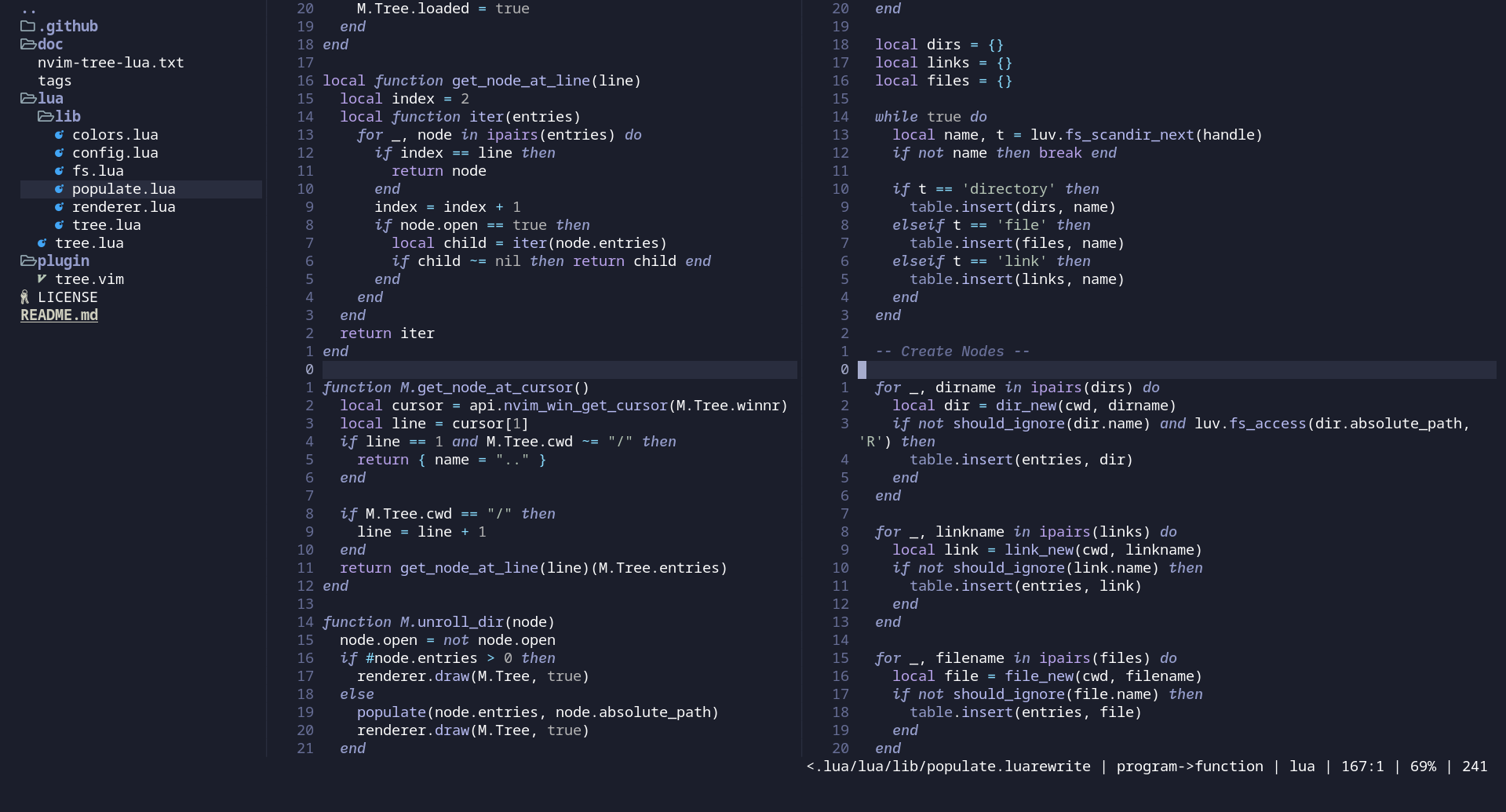
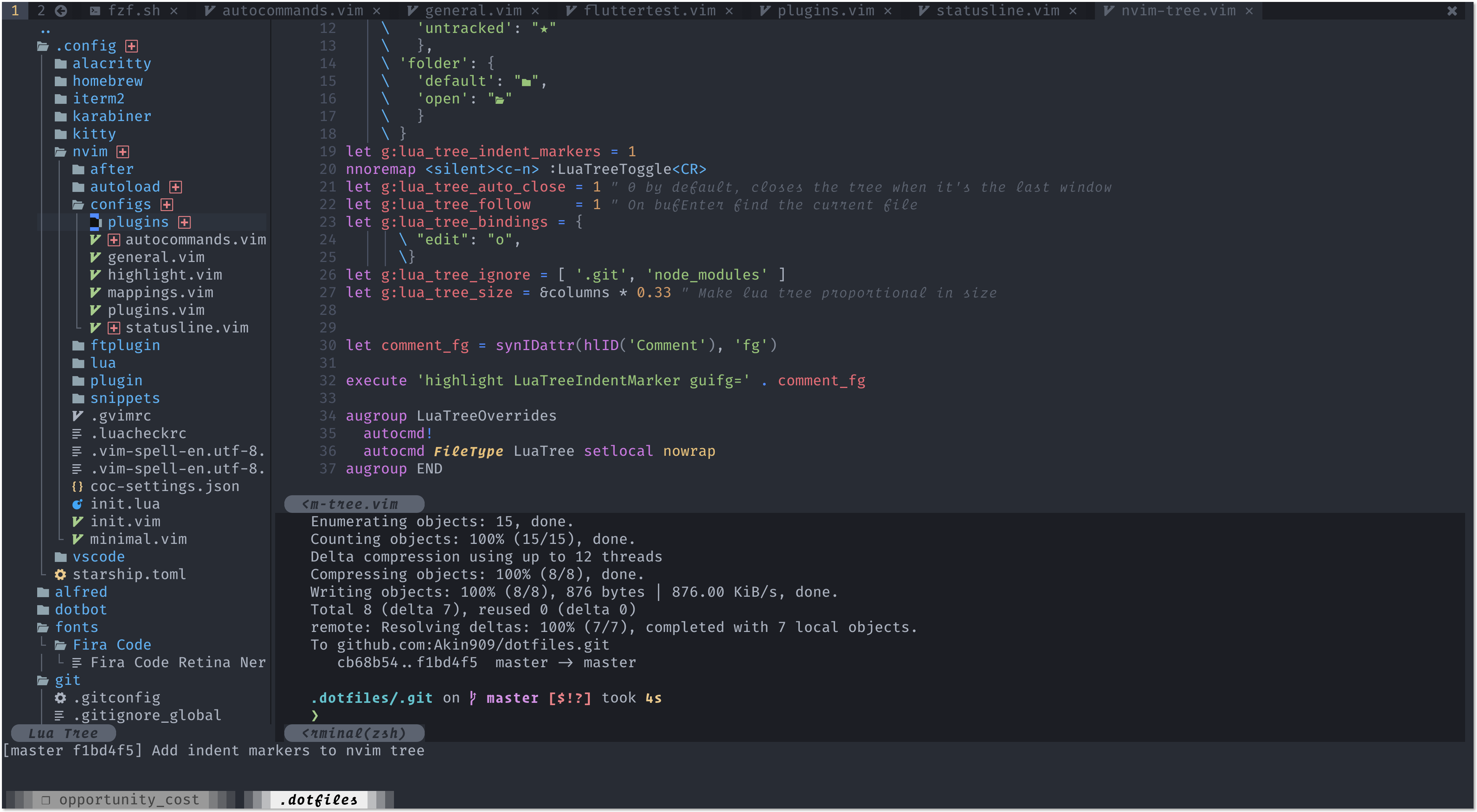
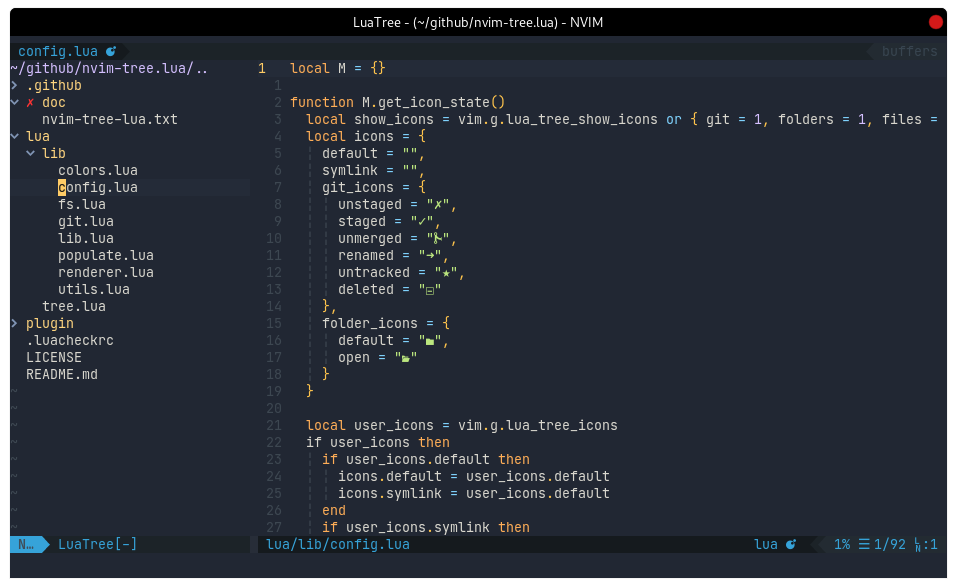
## Screenshots
|
|
|
|
|
|
|
|
|